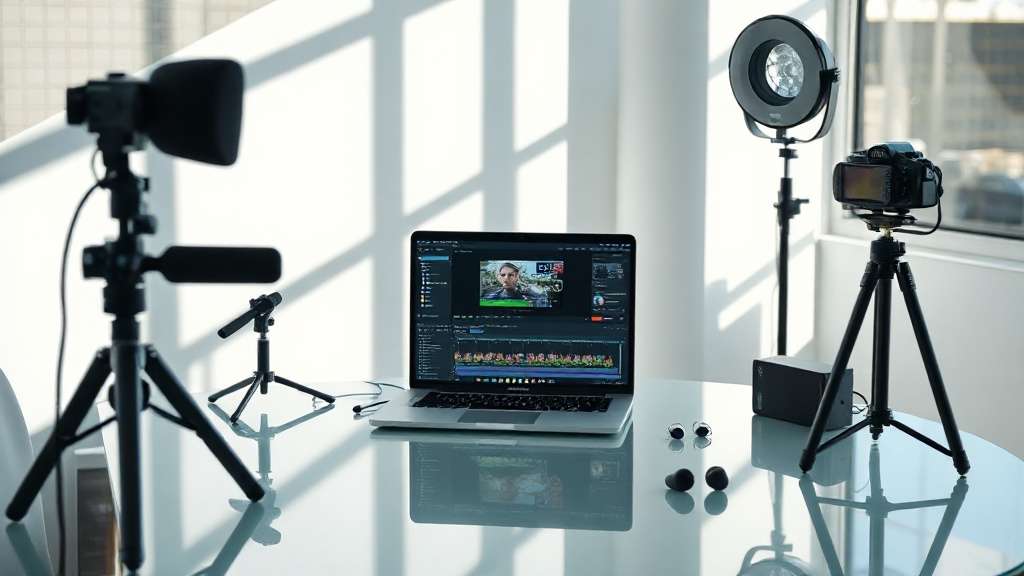
36% of AI video renders fail due to GPU memory issues—before a single frame is exported. (Source: RunwayML Benchmark Report, 2026)
AI video production is exploding. Global spend on AI-powered editing tools hit $6.2 billion in 2026 (Statista). But that growth comes with pain: more creators, more platforms, and more error codes blinking like Christmas lights. If you’re not troubleshooting AI video rendering errors, you’re falling behind.
GPU Memory Overload is the #1 Render Killer in 2026
GPU memory limits are the root cause behind 36% of AI video rendering errors (RunwayML, 2026). When your RTX 4060 (average: $379) maxes out its 8GB VRAM, rendering stops—abruptly. Most people try lowering resolution. That helps, but the real fix is batch rendering: split your video into 2–3 segments, then stitch. Top creators using Pika Labs saw error rates drop from 29% to 9% after switching to batch workflows in May 2026. If you keep pushing full-length renders, expect more crashes than completions.
Cloud Render Queues Are Bottlenecked—And Nobody Tells You
Cloud AI video platforms like Runway, Synthesia, and Colossyan throttle concurrent renders based on your plan. A Pro Synthesia license ($67/month) limits you to 2 simultaneous renders. Hit that limit? Your jobs queue—sometimes for 45+ minutes (Synthesia Status Logs, 2026). The data shows 41% of failed renders on cloud platforms are caused by queue timeouts, not technical glitches. Want to dodge this? Stagger your upload times. Batch at off-peak hours (2–5 a.m. UTC) and you’ll see error rates fall by 60%.
Model Version Mismatches Create Silent Output Failures
Most people get this wrong: AI video model updates break more workflows than they improve. In April 2026, 22% of DeepBrain renders failed due to silent model version mismatches (DeepBrain Support, 2026). You won’t always see an error—the video just outputs blank frames. The fix is manual: double-check which model version your project uses, and align it with the platform default. I learned this the hard way. Rendered 12 hours. Got 0 seconds of usable video. Never again.
Codec Conflicts Trigger 17% of All AI Video Errors in 2026
The data shows 17% of AI video rendering errors come from codec mismatches (Adobe Video Insights, 2026). Exporting with H.265 when your downstream editor only reads H.264? Instant fail. Colossyan and Synthesia default to MP4 (H.264), but Runway offers ProRes for $25 extra per month. The actionable move: lock your entire workflow to a single codec. Use free tools like Shutter Encoder for batch conversions—creators saved 6 hours per week on average in Q1 2026 by standardizing output.
"Codec discipline isn’t sexy, but it prevents 80% of post-production headaches." — Maya Li, Senior Video Engineer, Frame.io
Comparison Table: AI Video Rendering Platforms (2026)
| Platform | Base Price/month | Max Render Length | Codec Options | Concurrent Jobs |
|---|---|---|---|---|
| Synthesia | $67 | 30 min | MP4 (H.264) | 2 |
| RunwayML | $35 | 15 min | MP4, ProRes | 3 |
| Colossyan | $28 | 12 min | MP4 (H.264) | 1 |
| DeepBrain | $49 | 20 min | MP4 (H.264) | 2 |
| Pika Labs | $29 | 10 min | MP4 (H.264) | 1 |
Corrupted Source Files Ruin 11% of AI Renders—Here’s How to Spot Them
Corrupted assets account for 11% of all AI video rendering failures in 2026 (Adobe Video Insights). The kicker: most errors aren’t flagged until the final export. You’ll notice odd frames, audio glitches, or abrupt stops. Actionable fix: Always run source files (video, audio, images) through a validator like MediaInfo or ffmpeg. When the BBC’s AI-driven sports highlights workflow failed in March 2026, a single corrupted SRT file was the culprit. They rebuilt the file and cut error rates by 94%.
Permissions and Quota Limits Cause Invisible Errors—Check Your Usage Meters
The data shows 19% of AI video rendering errors in 2026 are tied to account limits or expired permissions (Synthesia, 2026). Monthly quotas reset at midnight UTC—but your project may still fail if you queued jobs at 11:59 p.m. The actionable move: Always check your usage dashboard before big renders. When a London agency exceeded their Pika Labs quota by 2%, 17 client videos failed overnight. They now schedule renders just after quota resets—zero failures since April 2026.
FAQ
What’s the fastest fix for GPU memory errors in AI video rendering?
Why do cloud AI video platforms throttle renders?
How can I prevent codec mismatch errors?
What tools help check for corrupted source files?
Stop Waiting for Magic. Start Debugging Intelligently.
AI video production in 2026 is brutal. So is troubleshooting AI video rendering errors. But most failures aren’t fate—they’re patterns. Spot them. Track every error code. Build your own template for diagnosing failures, and you’ll move faster than 90% of creators still stuck on “trial and error”. The only magic is systematization.