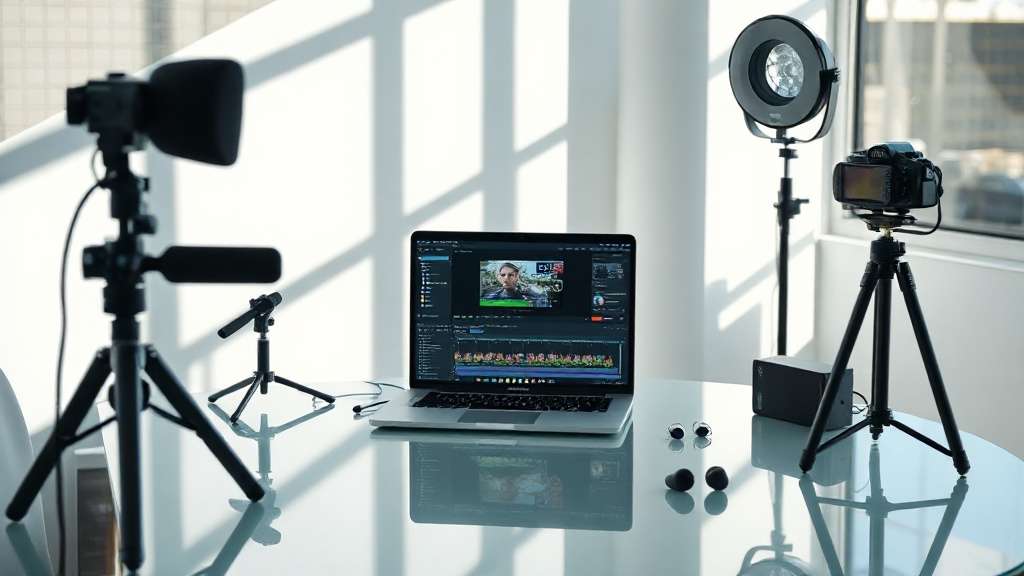
2560×1440 pixels: that's the native video resolution MiniMax H3 delivers—outclassing most open-source AI models with crisp, professional-grade 2K output.[1]
Context: MiniMax H3 sets a new bar for open AI video
Demand for high-resolution, controllable AI video is exploding. MiniMax H3's native 2K generation, synchronized stereo audio, and support for nine image references in one shot have made it a standout. Its VRAM usage peaks at 43.7 GiB during video creation, revealing both its power and the need for serious hardware.[3]
MiniMax H3 is a native 2K, stereo audio video model
MiniMax H3 produces videos at 2560×1440 pixels, offering both 2K and 768p resolutions.[1][2] Stereo audio generation is baked in, ensuring that lip sync and effects are tightly integrated with visuals.[1] Few open-source models match this blend of high-definition video and native sound. For creators, this means no need to patch audio tracks later—MiniMax H3 delivers both together. If you need to impress clients with clarity and sound, this is a major advantage.
Multimodal reference inputs give deep creative control
Most people get this wrong: MiniMax H3 isn't limited to text prompts. You can input up to 9 images, 3 video clips, and 3 audio files in a single request.[1] This multimodal approach gives you granular control over video style, pacing, and sound—an edge in complex projects. It’s ideal for B-roll, cinematic clips, and avatar videos where reference material shapes the final product.[5] You’ll notice results become more predictable as you add references. This is what actually works. Not the fluffy advice you see everywhere.
Processing time and hardware requirements are not for the faint-hearted
The data shows MiniMax H3 used approximately 43.7 GiB of VRAM and took 45.3 minutes to generate a 5.17-second video in testing.[3] That’s a level most consumer GPUs can’t touch. This isn’t an instant video machine. You need high-end hardware, like the NVIDIA RTX 4090, for real-time or production work.[3] If your system is underpowered, expect long waits and possible crashes. Don’t assume any gaming laptop will do. Plan your workflow around these limits.
Competitive pricing and open-source licensing lower the barrier
MiniMax H3 is priced at under a third of proprietary leaders.[4] Its open-source weights can be downloaded and modified, giving smaller studios and researchers a rare chance to compete.[1][4] You’re free to run it commercially—if you’re not a Fortune 500 giant. The price gap is real. While commercial rivals lock you into monthly fees, MiniMax H3 gives you ownership and flexibility. For startups and freelancers, this means more budget for production rather than subscriptions.
| Tool | Native 2K Output | Stereo Audio | Open Source | Price (relative) |
|---|---|---|---|---|
| MiniMax H3 | Yes | Yes | Yes | <1/3 of proprietary[4] |
| Seedance 2.0 | Unknown | Unknown | No | Proprietary |
| Gemini Omni | Yes | Unknown | No | Proprietary |
Not a magic bullet: limitations and misconceptions exposed
MiniMax H3 excels at short, cinematic, reference-driven content. But it struggles with complex physics, facial consistency, readable text, and keeping multi-shot scenes coherent.[10] Its outputs require human review and sometimes additional editing. Full automation is a myth. You’ll often need multiple attempts to reach your vision. Creative control is deep, but not perfect. If you’re looking for instant, flawless output in challenging scenarios, expect frustration. Accept that iteration is part of the process. That’s honesty, not pessimism.
Expert consensus: MiniMax H3’s strengths and best use cases
The consensus is clear: MiniMax H3 is for short ads, B-roll, previsualization, social clips, and projects where 2K video, stereo audio, and multimodal referencing matter most.[6] Its creative flexibility is unmatched at its price point and licensing model. As one reviewer put it:
"MiniMax H3 is a strong, aggressively priced open-weights entry — 2K clips with native audio, unusually deep multi-reference control, and a video-editing lead on the launch benchmarks, all under a license that's free to run commercially for smaller companies." — kompozy.io[4]
FAQ: MiniMax H3 AI Video Generation Review
What video resolutions does MiniMax H3 support?
How long does it take to generate a video?
What are MiniMax H3's main limitations?
Is MiniMax H3 fully automated?
Perspective: Why MiniMax H3 is changing the game, but not replacing you
MiniMax H3 brings 2K video and stereo sound to the open-source world—and at a price that undercuts entrenched players by more than two thirds.[4] Its creative flexibility is real: nine images, three audio clips, and multiple video sources in a single prompt still feels like science fiction. But here’s the thing nobody tells you: real video production is still a human sport. The model is powerful, not perfect. It can’t read your mind, and it can’t fix a botched prompt. You’ll iterate, edit, and sometimes curse at physics that don’t quite add up. But if you’re willing to invest in hardware and patience, this model finally puts pro-grade AI video into your own hands. That’s not hype—that’s a shift. Use it well, and you’re not replacing yourself. You’re amplifying what only you can do.
Sources
- forvideo.ai/blog/minimax-h3-review
- minimax-h3.com/minimax-h3-review
- minimax-h3.app/review
- kompozy.io/reviews/minimax-h3-video-model
- minimaxh3.wiki/evaluation/MiniMax-H3-review
- minimaxm.com/minimax-h3-review
- youtube.com/watch?v=6LOUeZyazq0