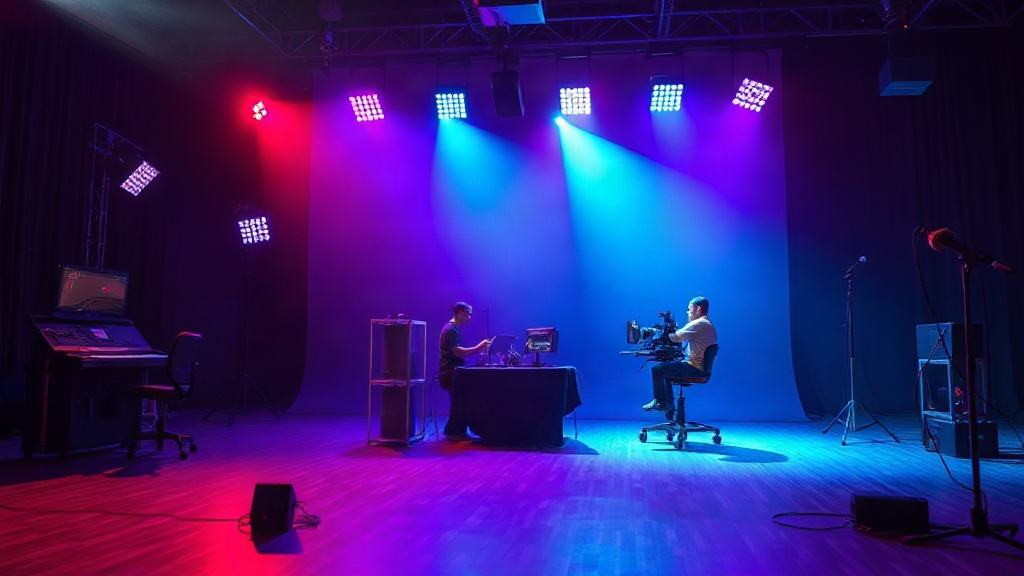
15 seconds is the maximum clip length Kling 3.0 supports—yet you can sequence multiple AI-directed shots within every clip, and chain clips together for longer narrative arcs. (usefastlane.ai)
Why mastering AI Director storyboarding is pivotal in 2026
Native 4K video generation is now table stakes, and Kling 3.0 delivers: every storyboard you create translates directly to full 4K renders. (usefastlane.ai) The AI Director's ability to synthesize spatially consistent, multi-shot sequences means you don’t just save time—you get cinematic structure baked in. Forget the idea that you need deep technical skill. The workflow is guided, the presets are cinematic, and the storyboarding process is more accessible than it’s ever been.
Storyboarding starts with AI Director’s shot sequencing
Kling 3.0's AI Director automatically sequences up to six spatially consistent shots inside a single clip. (usefastlane.ai) This isn’t static image stitching—shots move in physical space, obeying simulated gravity and collision. (kling3.io) The practical result: your storyboard translates directly to movement and flow. You lay out the narrative beats, and the AI Director executes transitions, angles, and timing. The main takeaway: plan your shot order and transitions up front, so the AI Director has a clear sequence to execute.
Each clip: 15 seconds, with full native audio sync
Kling 3.0 supports continuous video clips up to 15 seconds in length. (usefastlane.ai) For every second of storyboarding, dialogue, ambience, and lip sync are generated in sync from the first frame. (kling3.io) This means your storyboard isn’t just visual—it’s audio-driven from the start. The critical advice: storyboard with audio cues in mind. If you want the dialogue or environmental sound to drive a transition or emphasize a beat, specify it in your prompt sequence. This is what actually works. Not the fluffy advice you see everywhere.
Previews are fast, but final renders require credits
Draft Mode lets you preview AI Director-generated storyboards in under 30 seconds, so you can iterate on structure and pacing before burning credits on a 4K HDR render. (kling3.io) But here’s the price reality: Kling 3.0’s Standard plan runs $8.80 per month for 660 credits (sprites.ai), with each second of 1080p or 720p video generation costing 6 to 12 credits. (framesurfer.com) Make your creative mistakes in Draft Mode, not at full resolution. The old workflow of “render and pray” is now obsolete.
Physics-aware motion transforms storyboard fidelity
Kling 3.0 incorporates gravity, momentum, and collision into every generation pass. (kling3.io) This means your storyboard isn’t just a list of camera angles—it’s a blueprint for motion that looks and feels cinematic. Plan out physical interactions or dynamic transitions: falling objects, character jumps, or environmental reactions. You’ll notice shots gain natural flow. The actionable insight: storyboard for movement, not just for static visuals. Treat the storyboard as choreography, and the AI Director as your cinematographer.
Multiple clips: Chaining makes long-form storyboarding possible
Most people get this wrong: Kling 3.0 isn’t limited to 15-second stories. While each individual clip maxes out at 15 seconds, you can chain as many clips as you want to create longer sequences. (usefastlane.ai) Craft your storyboard with logical clip boundaries—each one with its six-shot structure—then sequence them to form a complete narrative. The takeaway: think in acts, scenes, or beats, not just single clips. The AI Director supports extended narratives if you give it clear increments.
Commercial rights and free tier limitations
The free tier in Kling 3.0 restricts output to 720p resolution, adds watermarks, and prohibits commercial use. (usefastlane.ai) If your storyboarding is for business, client work, or monetized channels, you need a paid plan. Standard, Pro, Max, and Ultra plans scale from $8.80 to $99.90 per month, each offering higher credit limits. (sprites.ai), (kling3.io) Main advice: don’t storyboard for commercial projects on the free tier. The watermark and legal risk are not worth it.
| Plan | Price (Monthly) | Credits/Month |
|---|---|---|
| Standard | $8.80 | 660 |
| Pro | $29.90 | 1,800 |
| Max | $59.90 | 4,500 |
| Ultra | $99.90 | 10,400 |
FAQ: How to Storyboard with AI Director in Kling 3.0
What is the maximum duration for a single clip in Kling 3.0?
Does Kling 3.0 require advanced technical skills to storyboard?
Is commercial use allowed on Kling 3.0’s free tier?
How fast can I preview my storyboard before rendering in 4K?
Where the AI Director takes us next
Storyboarding with Kling 3.0’s AI Director isn’t about templates or one-size-fits-all scenes. It’s a living, cinematic collaboration between your creative logic and a system that understands space, motion, and audio from the first frame. The friction is lower, the fidelity is higher, and the old barriers to entry—technical, financial, or creative—are collapsing fast. For anyone who’s storyboarded by hand or struggled with rigid AI tools, this is the first time the prompt actually feels like a director’s chair. The big leap? Your narrative intent is finally the main character. And the AI Director is the crew you never had.
"Kling 3.0 represents a significant stepping stone toward General World Models, offering the most complete 'Text-to-Cinema' workflow available in early 2026." (kling3.io)
Sources
- usefastlane.ai/models/kling-3-0
- sprites.ai/video-ad-pricing/kling
- framesurfer.com/blogs/kling-ai-pricing
- kling3.io/about
- kling3.io/pricing
- kling3.io
- youtube.com/watch?v=PCMjHIeGg-w