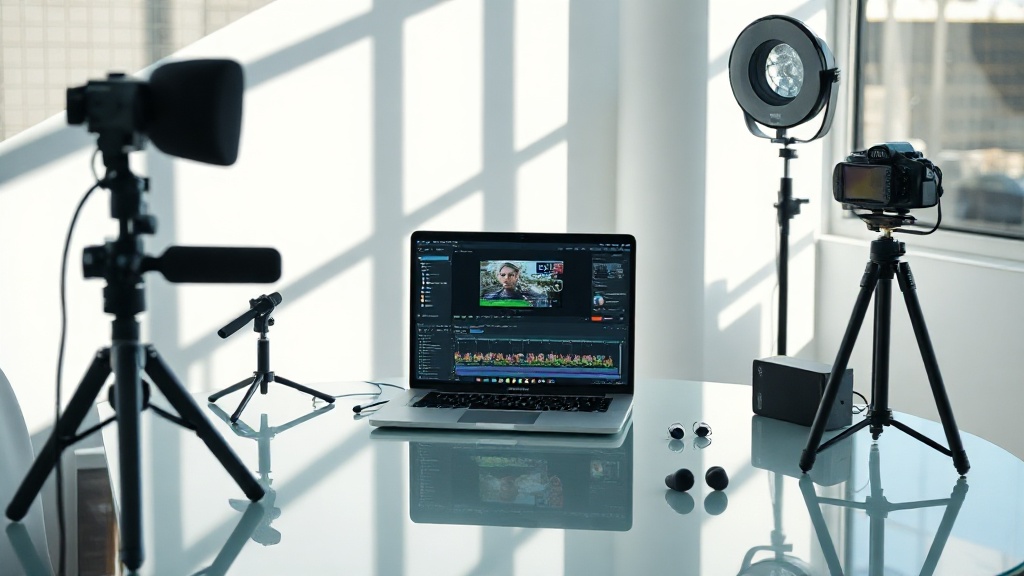
Google Veo 3.1 delivers true 4K resolution at 60fps with native audio sync, a milestone that sets a new bar for realism in AI video generation. [1]
AI video generators now rival live-action footage
The line between synthetic and real is nearly invisible. Google Veo 3.1’s 4K/60fps output, combined with Kling 3.0’s cost-effective pricing of $0.10 per second, means professional-grade quality is accessible without studio budgets. Millions already use platforms like Veed monthly—over 10 million, including brands like Netflix and Google. [4]
AI video isn’t just post-production trickery anymore. For teams producing training, marketing, or creative content, choosing the right generator in 2026 isn’t optional—it’s core to workflow, cost, and even credibility.
Google Veo 3.1 is the realism benchmark in 2026
Google Veo 3.1’s 4K resolution at 60fps with native audio synchronization creates videos that rival high-end cameras. [1] Its availability through Google AI Studio at no cost (with some premium features requiring a subscription) further shifts what’s possible for solo creators and studios alike. [7]
The real difference is that Veo 3.1’s native audio means lip sync and ambient sound simply work, instead of feeling ‘off’ as in so many earlier models. This is what actually works. Not the fluffy advice you see everywhere.
Kling 3.0 is the cost leader for 4K AI video
Kling 3.0 delivers 4K video with native audio at a hard-to-beat $0.10 per second, and a standard plan at $8.80 per month (or $6.99 for the first month). [2][8] That’s aggressively priced, especially when compared to the free-with-caveats and expensive enterprise tools dominating the market.
A decade ago, you’d need a camera crew, lighting, and a sound engineer. In 2026, you get all of that for the price of a lunch. Kling is not the most feature-rich, but if cost-per-minute matters, it’s the default starting point. This isn’t a free lunch, but it’s as close as production gets.
Runway Gen-4.5 is the best for creative control
Runway Gen-4.5 isn’t just a generator—it’s a creative suite, offering Motion Brush and keyframes for frame-by-frame editing. [2] It’s the only major platform pairing strong generation capabilities with real editing depth, according to many reviewers. [9]
"Runway is the best all-round AI video generator in 2026, because it pairs strong generation with a real editing suite." — aipresso.com
The takeaway: if your workflow demands iteration, precise motion, or blending multiple AI models, Runway Gen-4.5 is the place to do it. Pricing isn’t public, so you’ll need to check the official site. For creators who want more than a pretty output, this is the tool.
HeyGen dominates avatar and translation video
HeyGen specializes in realistic AI avatars and video translation across 175+ languages, with synchronized lip sync. [2] For teams making spokesperson or e-learning content at scale, HeyGen is the go-to. Its pricing varies by features—no flat rate, but teams producing multilingual content find it worth the price.
This is the part nobody tells you: avatars and translation are a solved problem if you pick the right platform. HeyGen nails that with believable lip movement and language support that makes subtitling obsolete for global rollouts.
Synthesia leads in enterprise video training
Synthesia isn’t trying to be everything for everyone. Instead, it’s the enterprise standard for training and onboarding videos, offering AI presenters, compliance tools, SSO, and Learning Management System integrations. [2] Pricing is on request—no public tiers, because the target is companies with complex needs and security requirements.
Most people get this wrong: generic video generators don’t handle compliance or secure workflows. Synthesia’s feature set is built for HR, compliance, and onboarding, not for YouTube shorts or viral ads.
Veed is the mainstream platform for scale
Veed has over 10 million monthly users, including Netflix and Google. [4] It’s not niche: it covers both AI video and image generation, making it the Swiss Army knife of content creation. The draw is accessibility—easy for individuals, but robust enough for global brands.
What stands out is the balance. Veed isn’t the “deepest” at any single feature, but it’s the one most teams actually use when they need to turn out content at scale and speed.
Luma Dream Machine (Ray3) and Hailuo bring unique features
Luma Dream Machine (Ray3) introduces "reasoning" models and outputs true 16-bit HDR video. [2] It’s for the experimental crowd—creators who want AI to understand logic, not just style. Hailuo (MiniMax), meanwhile, is recognized for believable physics simulations at a competitive price. [2] If your project demands nuance—whether it’s HDR color or accurate physics—these are the tools.
You’ll notice neither is aiming to be the default. They’re for pushing the edge, not mass production. In a world of sameness, that still matters.
Product comparison for 2026: pricing and strengths
| Tool | Resolution/Features | Price |
|---|---|---|
| Google Veo 3.1 | 4K/60fps, native audio | Free (premium requires subscription) |
| Kling 3.0 | 4K, native audio | $8.80/mo ($6.99 first month) |
| Runway Gen-4.5 | Motion Brush, keyframes | Contact for pricing |
| HeyGen | AI avatars, 175+ languages | Varies by plan |
| Synthesia | Enterprise, LMS/SSO/compliance | Contact for pricing |
Common misconceptions still confuse buyers in 2026
Most people get this wrong: not all AI video generators are created equal. Some excel at cinematic footage, others at avatars or corporate training. [5] The myth that free versions are enough persists, but almost all restrict resolution, add watermarks, or limit features. [3]
The reality: you have to match the tool to the task. Expecting a free tier to deliver Hollywood quality—or AI to replace your creative vision—is setting yourself up for a letdown.
Ethical and platform risks are growing fast
The data shows the rise in realism creates risks as well as opportunities. The ease of generating lifelike video makes misinformation and deepfakes a serious concern. [6] Meanwhile, dependence on proprietary AI video platforms means potential vendor lock-in, impacting long-term accessibility and costs. [3]
Here’s the thing nobody tells you: investing in one generator means building your workflow around it. Switching later is expensive—not just in dollars, but in lost assets and retraining.
FAQ: Best Ai Video Generators 2026 Review
What is the best all-round AI video generator in 2026?
Which AI video generator provides the best realism?
Are free AI video generators suitable for professional work?
Can AI video generators replace human creativity?
Where the best AI video generators are headed next
The best AI video generators in 2026 aren’t all aiming for the same target. Some want to replace the green screen, some want to automate the avatar, and a few want to make you rethink what’s real. The bar for production quality is higher than ever, but so is the risk of sameness and ethical fallout. If you care about the story as much as the pixels, your tool matters—but your input matters more. Choose for your workflow, not just for the demo reel. The future is synthetic, but the best results still come from those who know what they want.
Sources
- techjournal.org/best-ai-video-generators
- techpickshub.com/roundups/best-ai-video-generators-2026
- techdailyai.com/blog/best-ai-video-generator
- techradar.com/reviews/veed-review
- flowjam.com/blog/best-ai-video-generators-2026
- techradar.com/ai-platforms-assistants/elon-musk-tried-to-prove-grok-could-beat-christ…
- scalopa.com/best-ai-video-generator-tools-2026
- aitoolblaze.com/blog/best-ai-video-generator-2026
- aipresso.com/reviews/best-ai-video-generators
- youtube.com/watch?v=cTpSV4s__vg